
VoIP Phone Features That Matter for Offices in 2026
Not all VoIP phone features are created equal. Vendors list dozens of specs on a product page, but most offices only care about a handful of them in daily use: clear audio, fast call handling, and hardware that does not need a reboot every other week. If you are responsible for picking phones for a growing team in 2026, the goal is to cut through the spec sheet noise and focus on what actually changes how your staff work.
This guide walks through the features worth paying for, the features you can skip, and how to match different phone tiers to different roles across a modern office.
What Makes a VoIP Phone Worth Buying in 2026?
A good VoIP phone earns its place on a desk by disappearing into the background — staff should notice it only when something goes wrong, which should be rare. That means dependable registration to your SIP server, audio that stays clear even when the office Wi-Fi gets busy, and a menu system that does not require a manual to operate.
Beyond reliability, three categories of features separate a decent phone from a genuinely good one:
- Audio quality under real network conditions, not just lab tests
- Ease of provisioning so IT can deploy dozens of units quickly
- Physical build quality that survives years of daily handling
Core Features Every Office Phone Needs
Regardless of brand or price point, there is a baseline every business phone in 2026 should meet. Skipping any of these usually shows up as a support ticket within the first month of use.
- HD voice codecs for calls that sound natural rather than compressed
- PoE support so a single Ethernet cable handles both power and data
- Auto-provisioning so IT can push settings to many phones at once
- Programmable keys for speed-dial, call transfer, and line monitoring
- A legible display for caller ID, missed calls, and directory lookups
Once a phone checks every box on that baseline list, the remaining decision becomes about scale and role — how much phone does each specific desk actually need?
Prime Business Phones for Managers and Team Leads
Managers, team leads, and anyone juggling several incoming lines at once need more than the baseline. They need enough programmable keys to monitor a small team’s extensions, a display large enough to read at a glance, and audio quality that holds up through back-to-back calls all day. The Fanvil V61G Prime Business Phone sits squarely in this tier, built for staff whose job genuinely runs through the handset rather than around it.
Giving this level of phone to every desk in the building is usually overkill and a waste of budget. Giving it to the ten or fifteen people who actually live on the phone all day is money well spent.
Compact Phones for Hot Desks and Shared Spaces
Not every seat in a modern office belongs to one person anymore. Hot desks, shared huddle rooms, and small satellite offices need something compact, easy to understand at a glance, and simple enough that a visiting employee can sit down and use it without any training. The Fanvil H2U fits this role well — a compact IP phone sized and priced for spaces where flexibility matters more than advanced call-handling features.
Mixing compact units at shared desks with prime business phones at fixed desks is how most offices actually balance their phone budget in 2026 — rather than buying one model across the entire floor plan.
Comparing the Two Tiers at a Glance
| Factor | Prime Business Tier | Compact Tier |
|---|---|---|
| Best for | Managers, team leads, heavy phone users | Hot desks, shared rooms, small offices |
| Line keys | Multiple, programmable | Fewer, simplified |
| Display | Larger, more detail | Smaller, essential info only |
| Learning curve | Moderate — worth the training time | Minimal — usable immediately |
| Typical placement | Fixed desks, offices | Shared desks, lobbies, branch sites |
Planning a Smooth Rollout
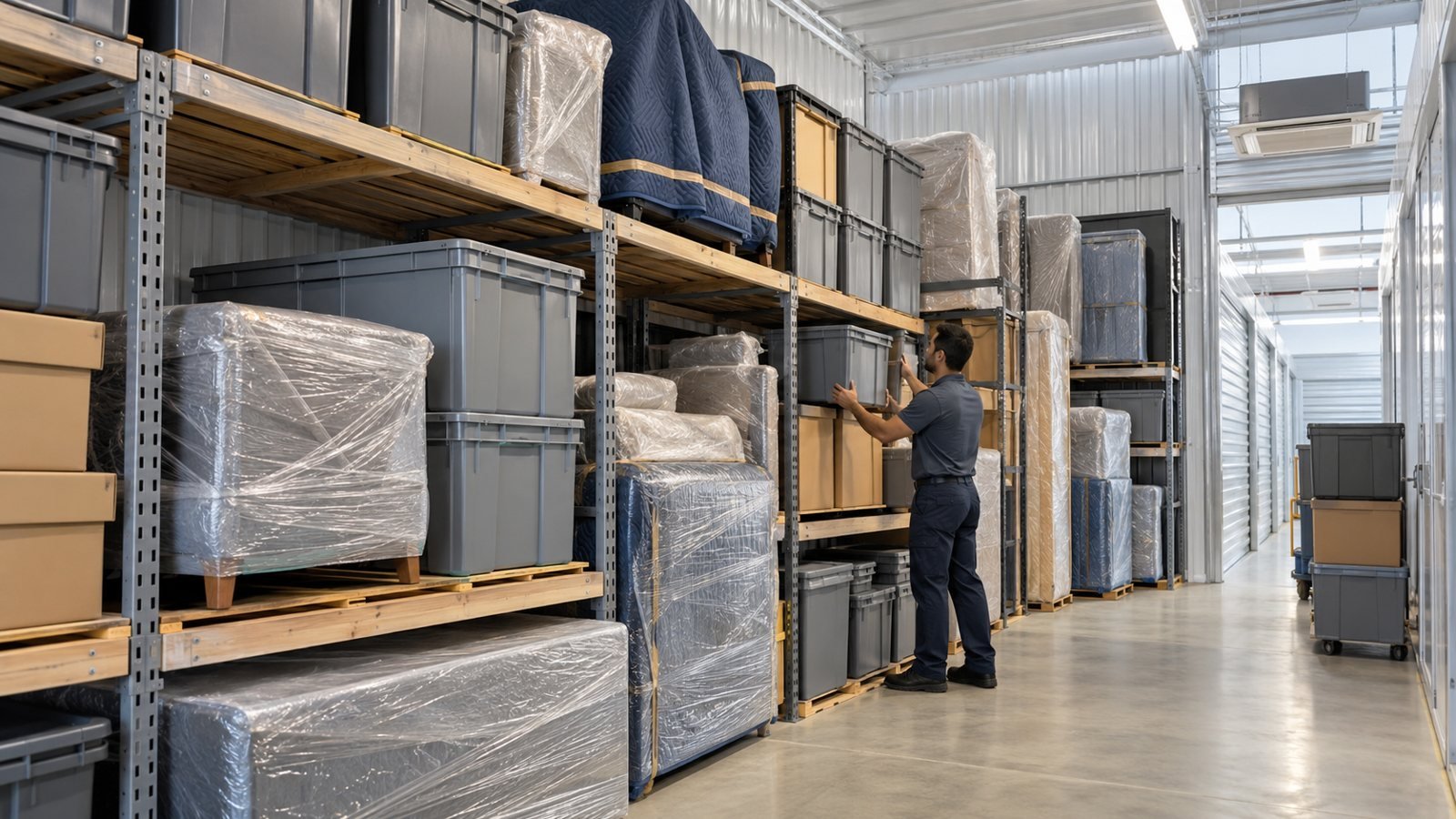
Buying the right phones is only half the project. Wiring, network capacity, and extension mapping all need to be planned before the boxes even arrive, especially if the rollout coincides with an office move or expansion. Bringing in reputable service experts to handle the physical side of the move — cabling, desk layout, network drops — means the phone deployment itself goes smoothly instead of becoming a second disruptive project layered on top of the first.
A rollout plan should include a test batch of phones provisioned and trialed by a small group before the full office switches over. This catches configuration issues early, when they only affect five people instead of fifty.
Frequently Asked Questions
How do I know if my internet connection can handle office VoIP phones?
Most offices need surprisingly little bandwidth per call — well under 100 kbps per active line with modern codecs. The bigger risk is network congestion from other traffic, which is why business-grade routers often prioritize voice packets.
Can VoIP phones share a network with regular office computers?
Yes, and most do. Many offices separate voice traffic onto its own VLAN so phone calls are not affected by large file transfers or video streaming elsewhere on the same network.
What happens to VoIP phones if the internet goes down?
Calls cannot be placed or received until connectivity is restored, which is why offices that cannot tolerate any downtime usually keep a backup internet connection or a cellular failover.
Do compact IP phones support call transfer and hold?
Yes, even entry-level and compact phones typically support the core functions — hold, transfer, mute, and basic conferencing — it is the advanced extras that get trimmed at the lower tiers.
Total Cost of Ownership Beyond the Sticker Price
It is easy to compare phones purely on the upfront unit price, but that number only tells part of the story. A phone that fails after eighteen months of daily use, or one that needs a firmware workaround every few weeks, ends up costing more in IT hours than the cheaper sticker price ever saved. When budgeting for a VoIP phone rollout in 2026, it is worth factoring in expected lifespan, warranty terms, and how easy the model is to provision at scale.
A useful exercise before placing a large order is to request a single sample unit first, run it through a two-week trial with one or two staff members, and only then commit to the full batch. This catches firmware quirks, audio issues, or awkward menu layouts long before fifty desks are depending on the same model.
Warranty and local support also factor into total cost. A phone that is marginally cheaper but has no local repair or replacement path can end up far more expensive the first time a unit fails during a busy week.
Bringing It All Together
Picking the right VoIP phone in 2026 is less about finding one perfect model and more about matching tiers to roles — prime business phones for the people who live on the handset, compact units for shared and flexible spaces. Get that mix right, plan the rollout properly, and the switch to modern office phones becomes a quiet upgrade rather than a disruptive one.